Vector Canvas & UI Generation Workflow
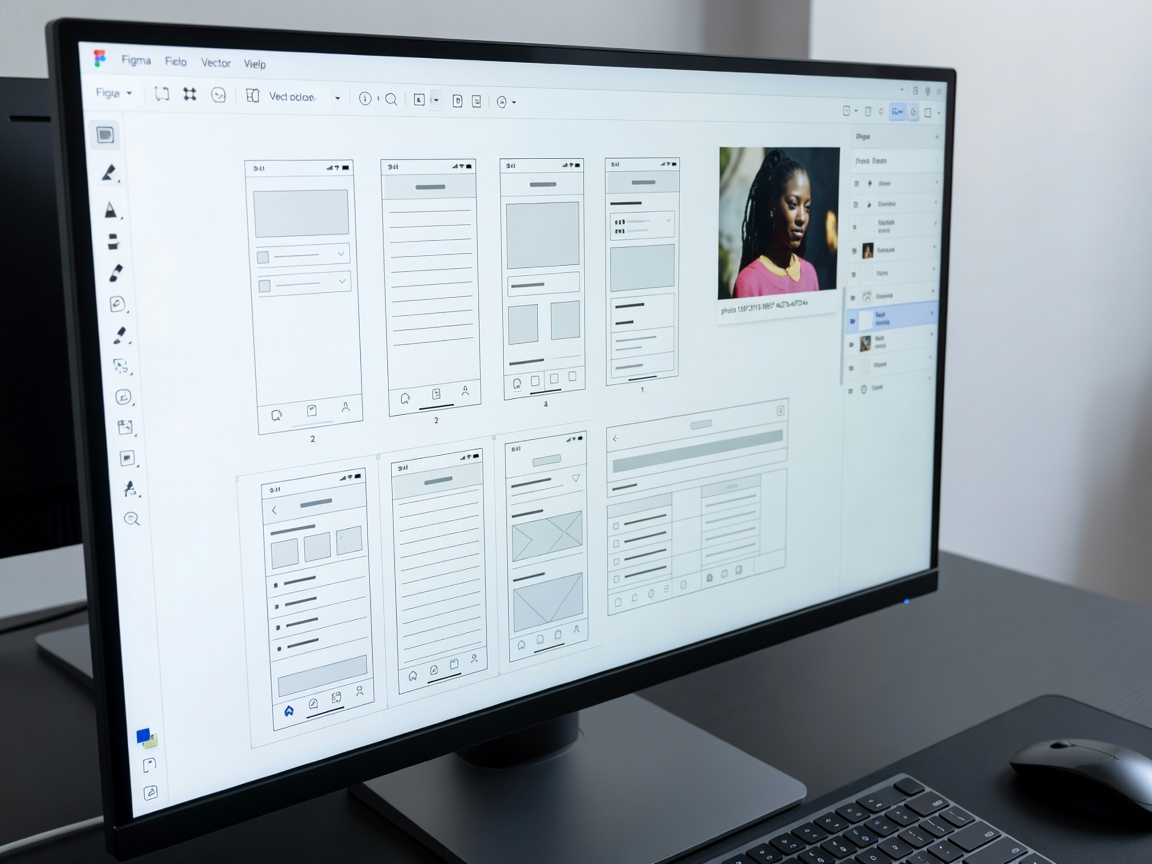



Verified Technical Specifications
Parent Entity
Figma Inc. (San Francisco, CA)
Output Nature
100% Vector Auto-Layout Frames (not static bitmap images)
Automated Utilities
Contextual Layer Renaming, Realistic Dummy Data generation, Asset Search
Design Translation
Translate complete multi-screen app flows into 40+ languages instantly
Visual Search
Reverse image matching to locate matching design system components
Pricing Tier
Included in Starter (free), Professional ($12/editor/mo), and Organization
Dev Mode Integration
Converts generated UI elements directly to CSS, Swift, and React code
Editorial Design Review & Vector Integrity
The single most transformative aspect of Figma AI is that it outputs fully structured Auto-Layout frames. Unlike image generators that output flat PNG mockups, Figma generates real button components, input fields, navigation bars, and typography hierarchies ready for client presentations.
The layer-renaming algorithm alone eliminates the infamous "Frame 2841" organizational disaster, inspecting visual contents and renaming layers with clean semantic names like `Hero_Card_CTA` with one click.
Key Strengths
- ✔ Generates fully responsive vector auto-layouts, not flat bitmaps
- ✔ Automated layer renaming cleans chaotic design files in seconds
- ✔ Context-aware copy generation replaces stale "Lorem Ipsum" text
- ✔ Direct bridge into Dev Mode code inspection for engineers
Observed Limitations
- ✖ Highly specialized custom component libraries require fine-tuning
- ✖ Generated screen flows require manual spacing adjustments for edge cases
- ✖ Usage quota allocations during high-traffic beta periods